
1_normal_20230419065554a.jpg)
(US)_1.0-151x151x276.5mm-7022510703_normal_20230605085608m.png)


1_large_20230419065554s.jpg)


(US)_1.0-151x151x276.5mm-7022510703_large_20230605085608q.png)
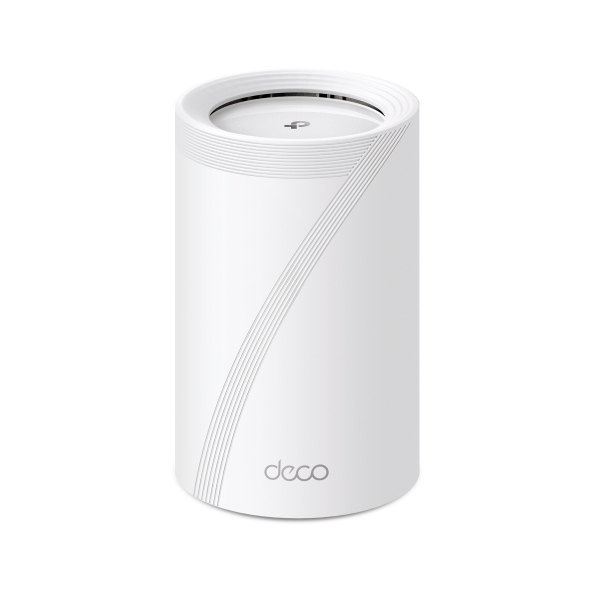
Deco BE65
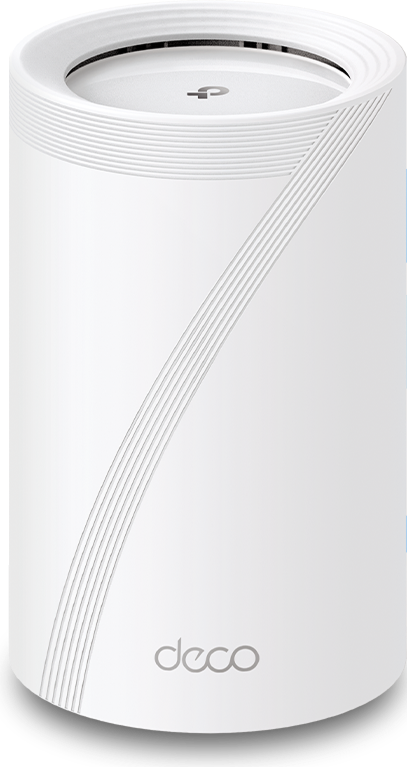
Deco 7 Pro BE11000 Whole Home Mesh WiFi 7 System
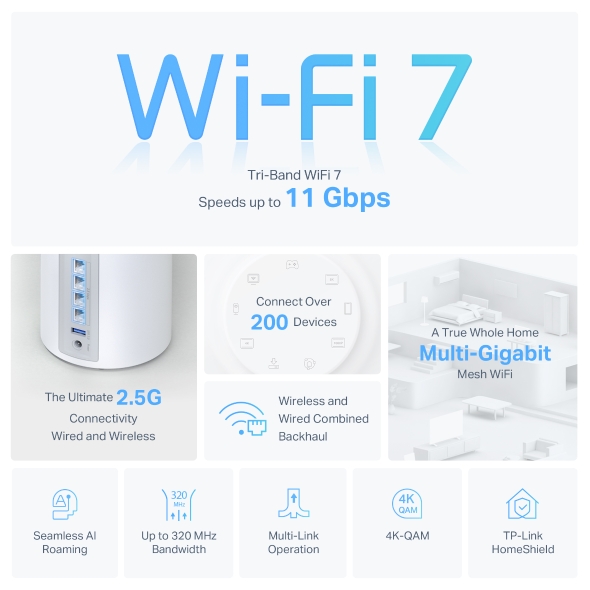
- Tri-Band Wi-Fi 7 Power — Experience next-generation performance with Tri-Band Wi-Fi 7, built for ultra-fast streaming, gaming, and multi-device speed.†
- 11 Gbps Wi-Fi Speeds — Enjoy extreme wireless throughput designed for multi-gig internet plans, 4K streaming, and demanding smart-home setups.†
- Whole-Home Coverage Up to 7,600 Sq. Ft. — Blanket your entire home with pro-grade mesh Wi-Fi, no weak spots, no slowdowns, no interruptions.
- 6 GHz Congestion-Free Band — Stay connected on a clean, interference-free channel that delivers consistent stability across every device.
- Connect 200 Devices at Once — Connect every phone, console, and smart-home device simultaneously with reliable performance.
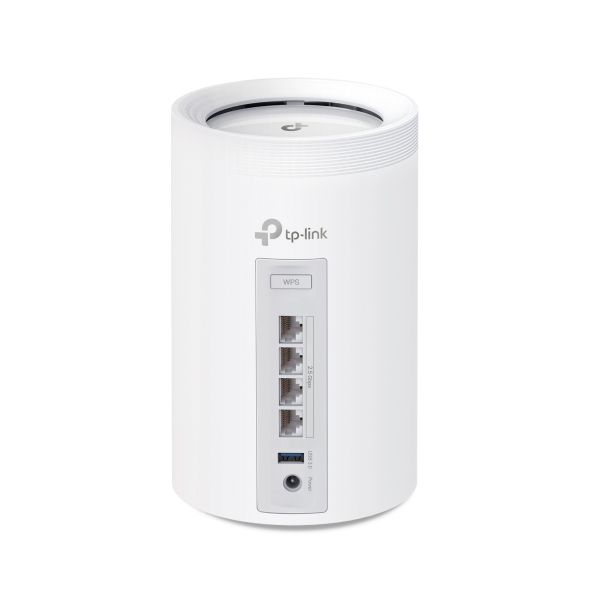
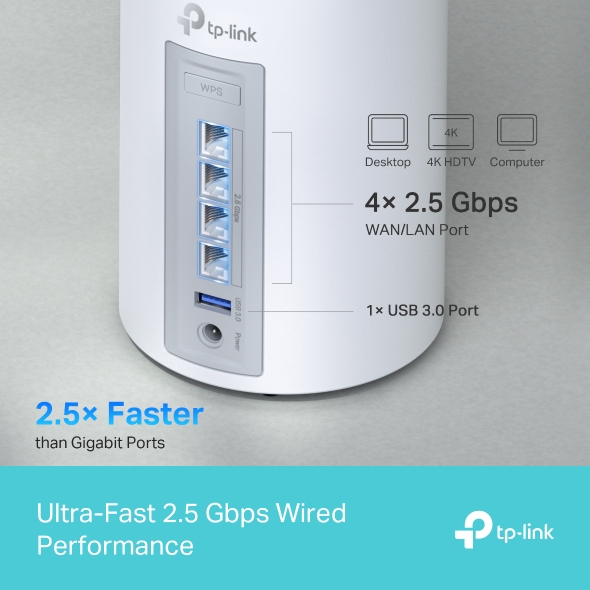
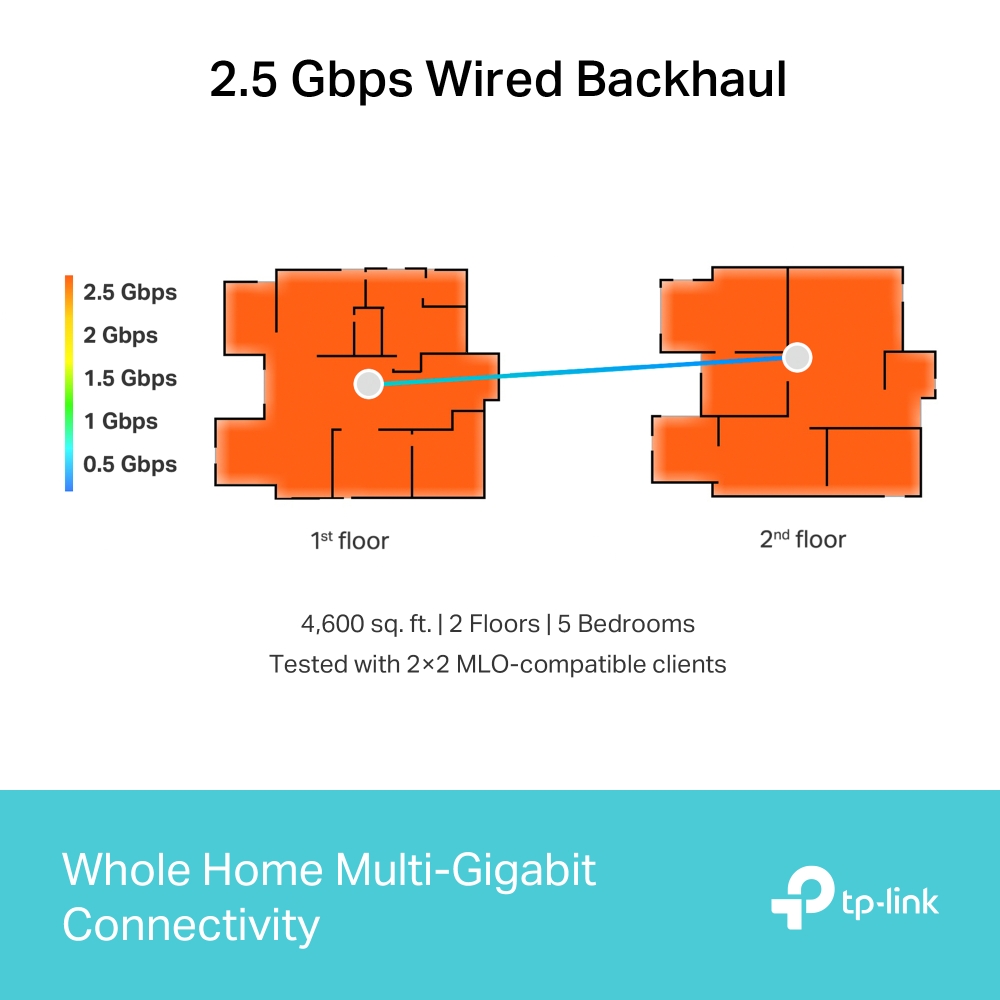
- 2.5 Gbps WAN/LAN Port — Supports high-speed fiber or cable plans for ultra-low latency and maximum wired performance.
- Ultra-Wide 320 MHz Channels — Double the bandwidth for faster data flow and lower latency — perfect for next-gen responsiveness.△
- Smart AI Network Optimization — Automatically adjusts channels and traffic to deliver the fastest, most stable connection in real time.
-
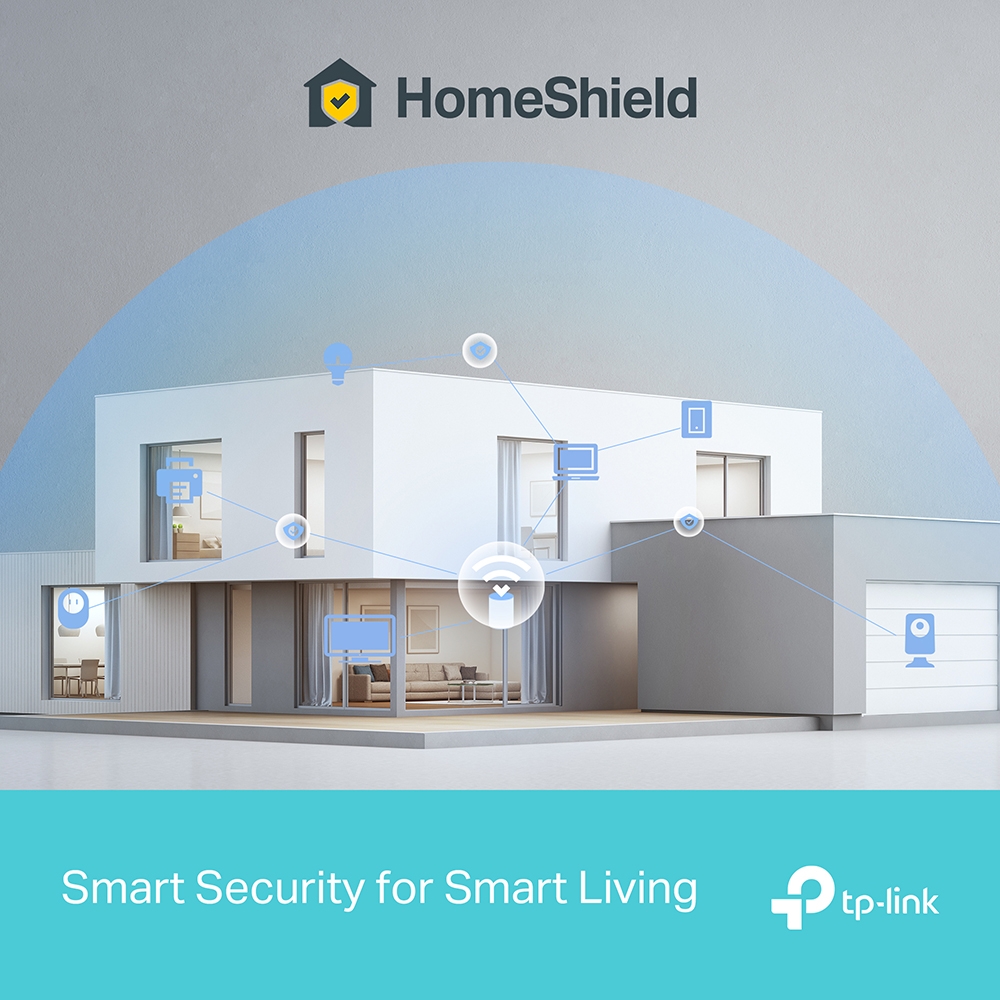
Advanced Security — Built-in protection with parental controls and real-time threat prevention with TP-Link HomeShield.
-
Works with Any Internet Provider— Replaces any router and works with all Wi-Fi devices for easy, universal compatibility.
-
Trusted Quality from TP-Link, the Wi-Fi Leader — Dependable performance and built-in security you can trust every day.



Pro-Grade Wi-Fi Powering Every Corner of Your Home
Deco BE11000 Whole Home Mesh Wi-Fi 7 System
Deco BE65






Pro-Grade Wi-Fi Powering Every Corner of Your Home
Deco BE11000 Whole Home Mesh Wi-Fi 7 System
Deco BE65

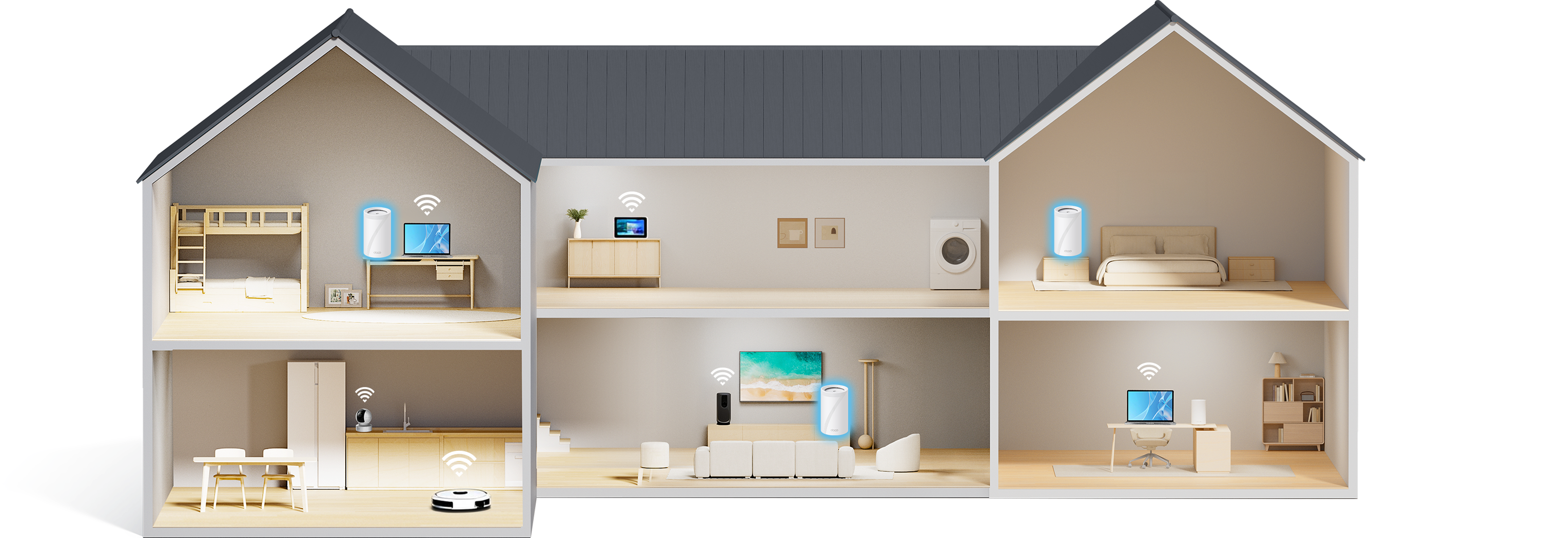
Wi-Fi that reaches every room.
Covers up to 7,600 sq. ft (3-pack)
Ready for
multi-gig
internet
11 Gbps Tri-Band
Wi-Fi 7
Easy setup with
the Deco app
Connect up to
200 devices

Smart
Roaming

Wi-Fi 7
Multi-Link

6 GHz + 320
MHz
Bandwidth

4K QAM

Flexible
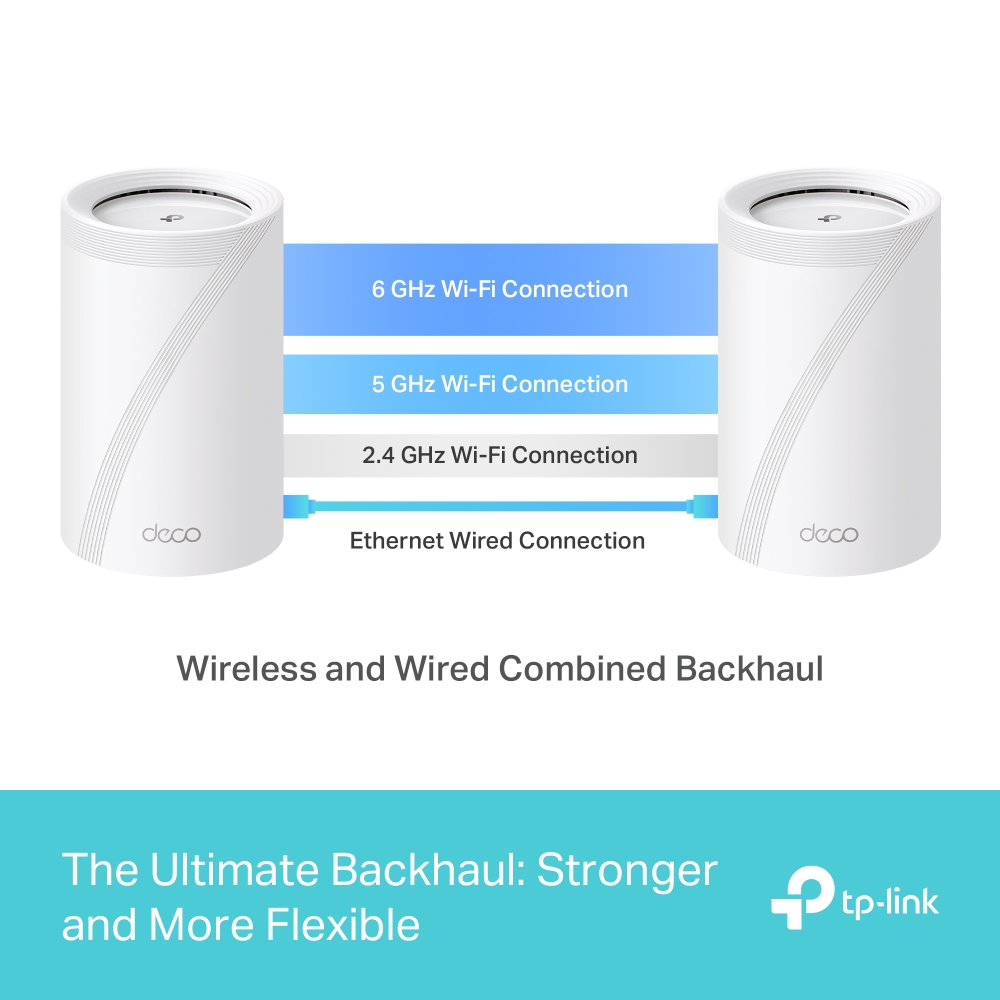
Backhaul

HomeShield -
Advanced Security
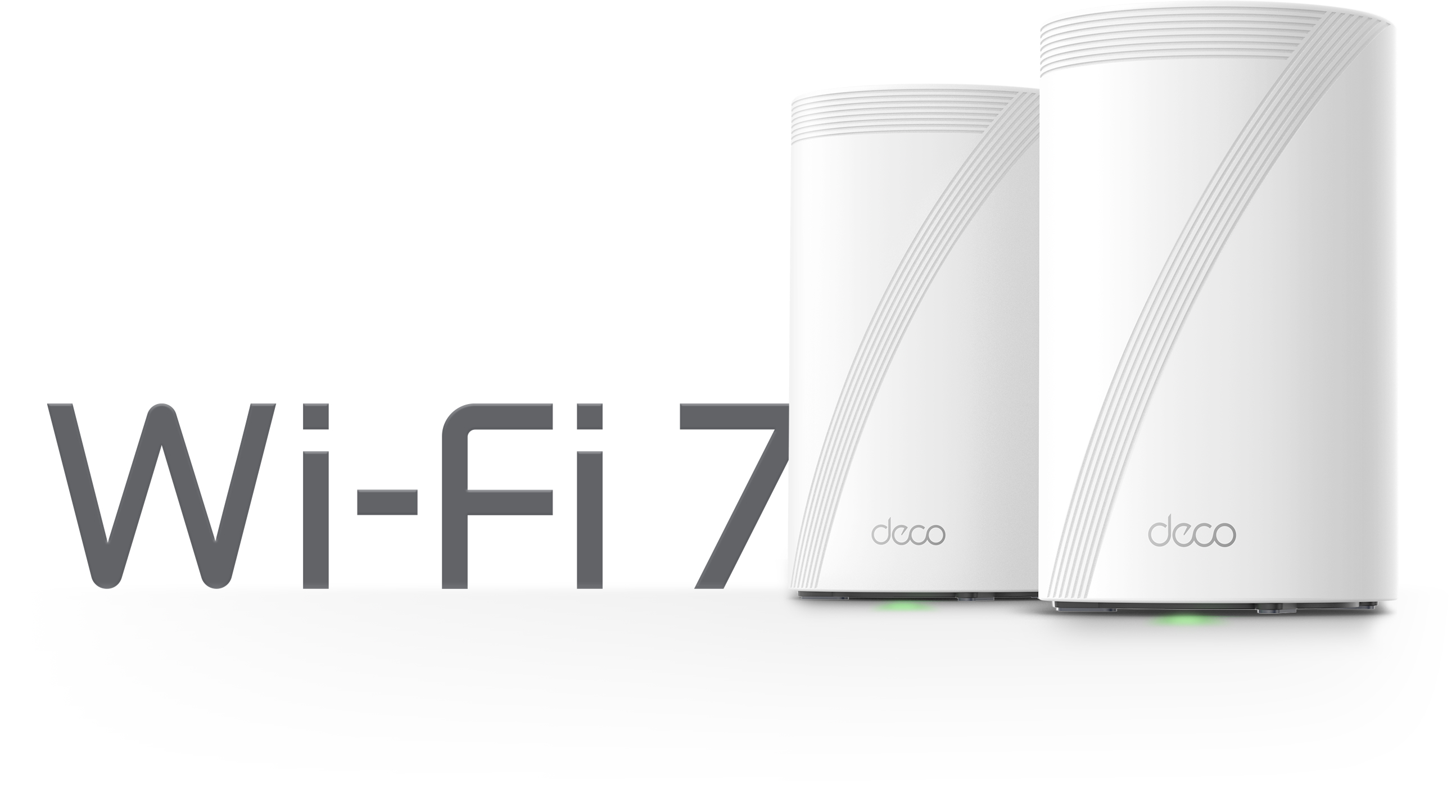
Wi-Fi Like Never Before
Wi-Fi 7 delivers faster speeds and smoother connections for today's connected homes. Deco 7 Pro makes next-generation Wi-Fi simple, reliable, and ready for everything you do online.
More Wi-Fi. Less interference.
The 6 GHz band keeps your network clear when every device in the home is running at once.

Performance Wi-Fi for Homes That Demand More
No more buffering, dropped calls, or slowdowns when everyone's online. Deco 7 Pro is built for busy homes, delivering smooth streaming and dependable connections in every room.


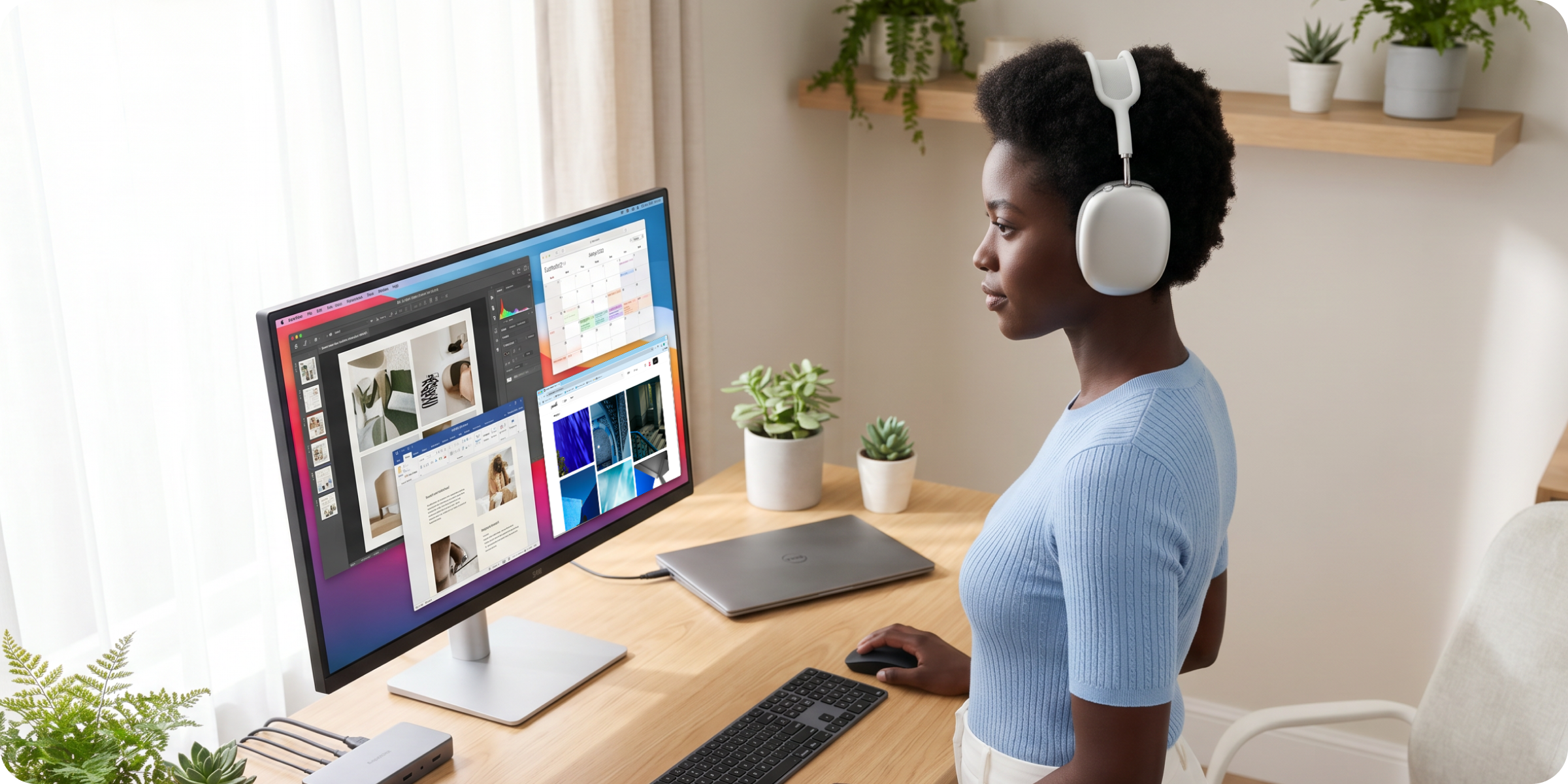
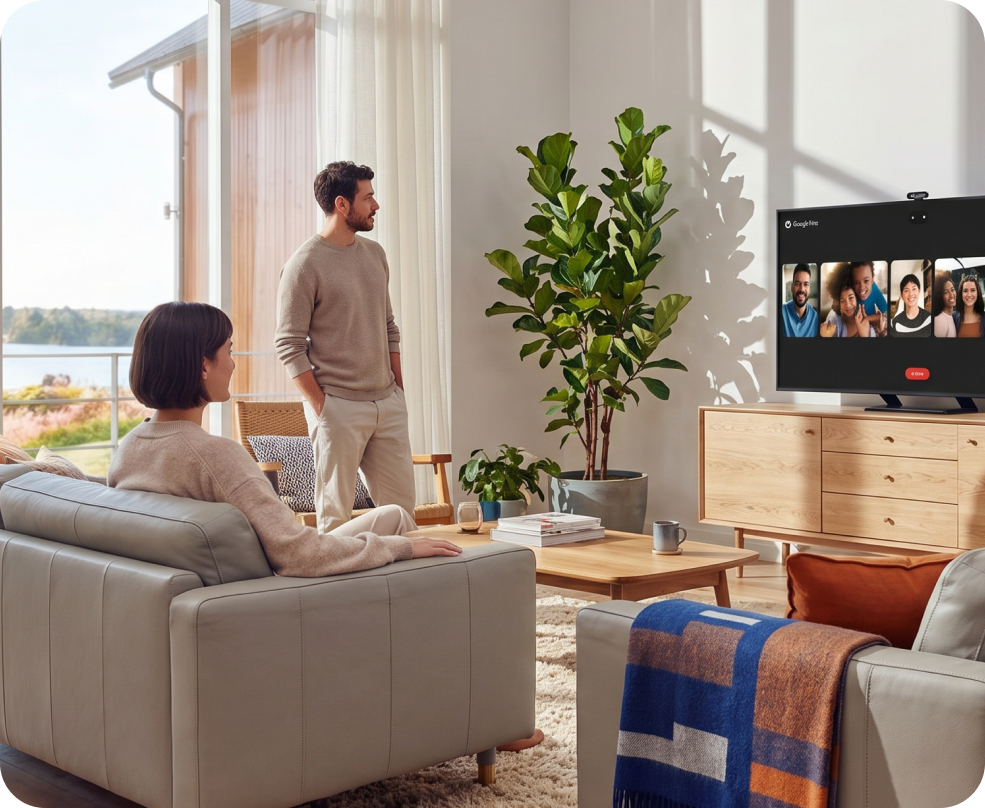

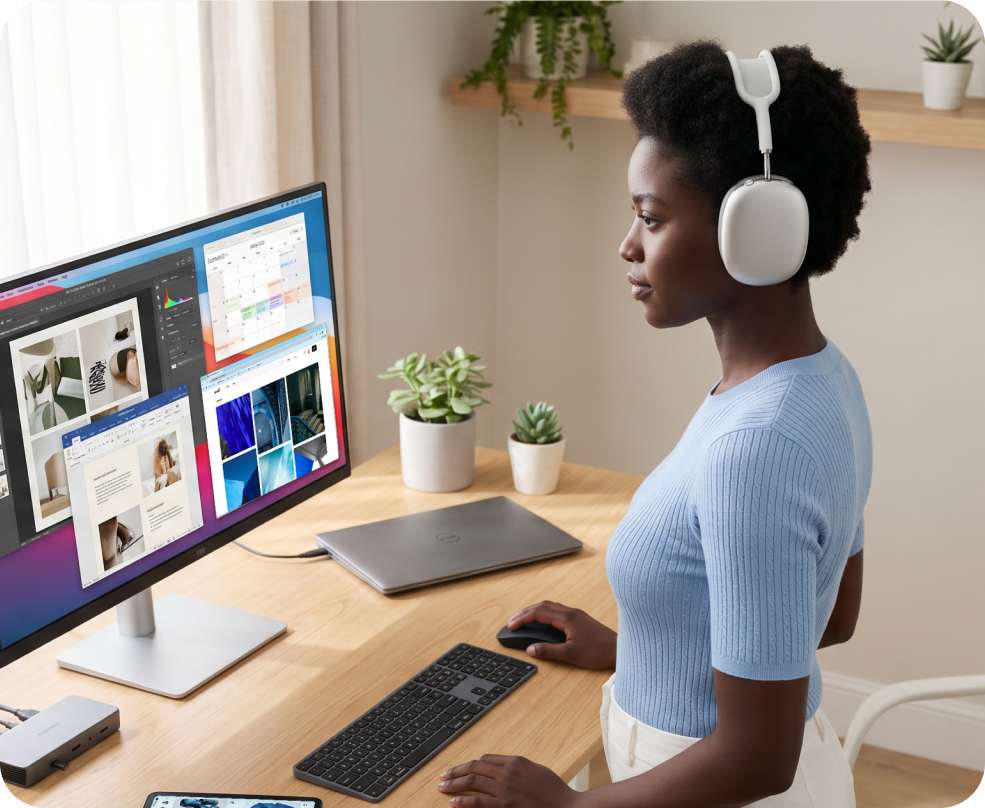
Built for multi-gig Internet.
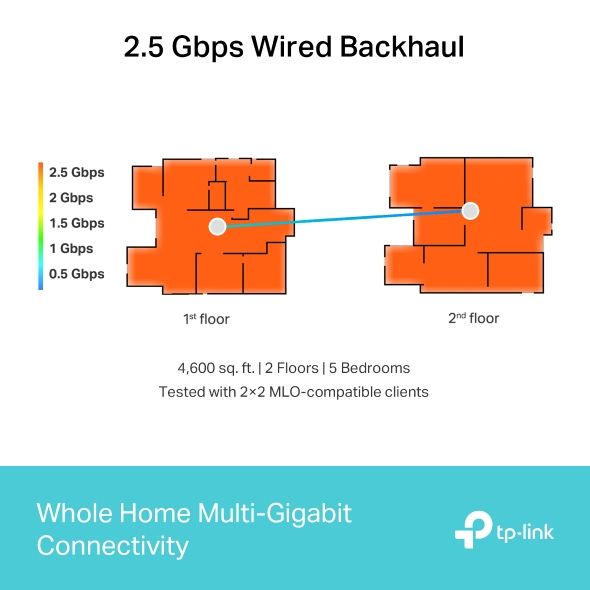
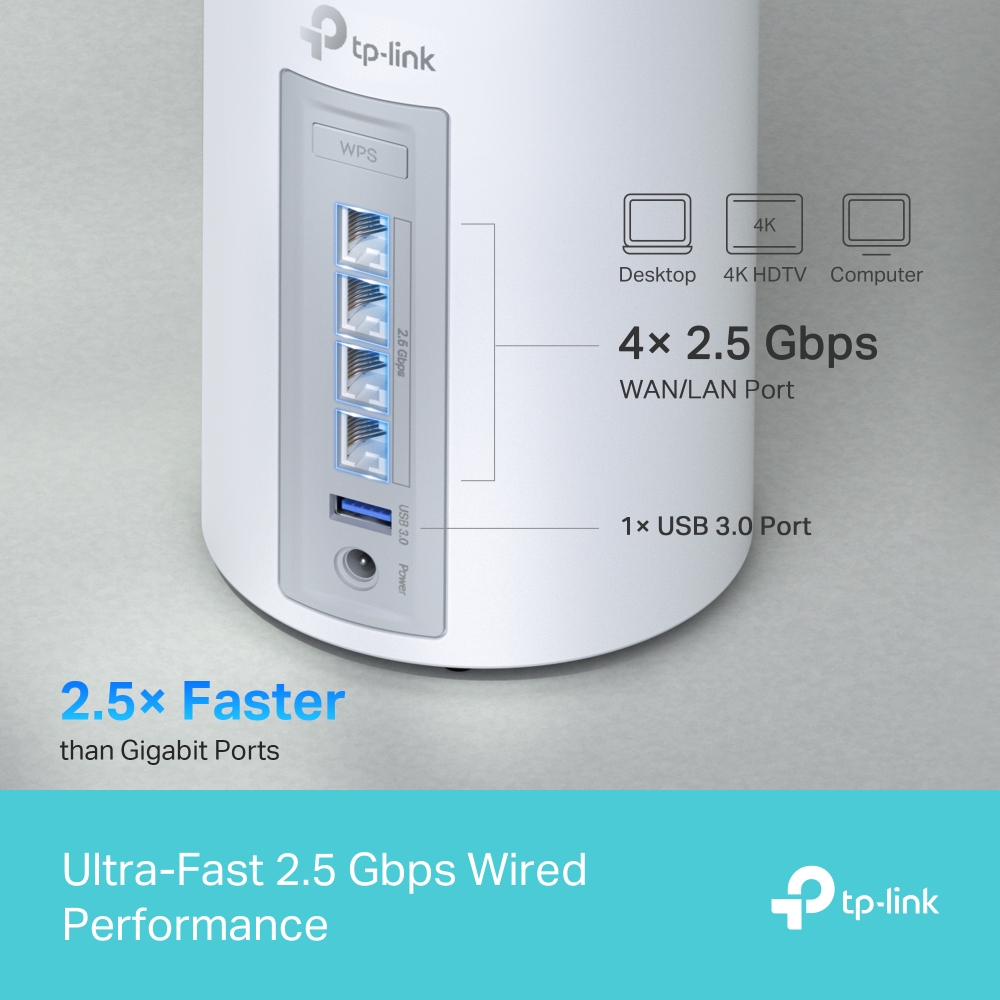
When your internet plan gets faster, your Wi-Fi should keep up. Deco 7 Pro supports 2.5 Gbps wired connections, helping reduce bottlenecks and slowdowns as more devices connect throughout your home.
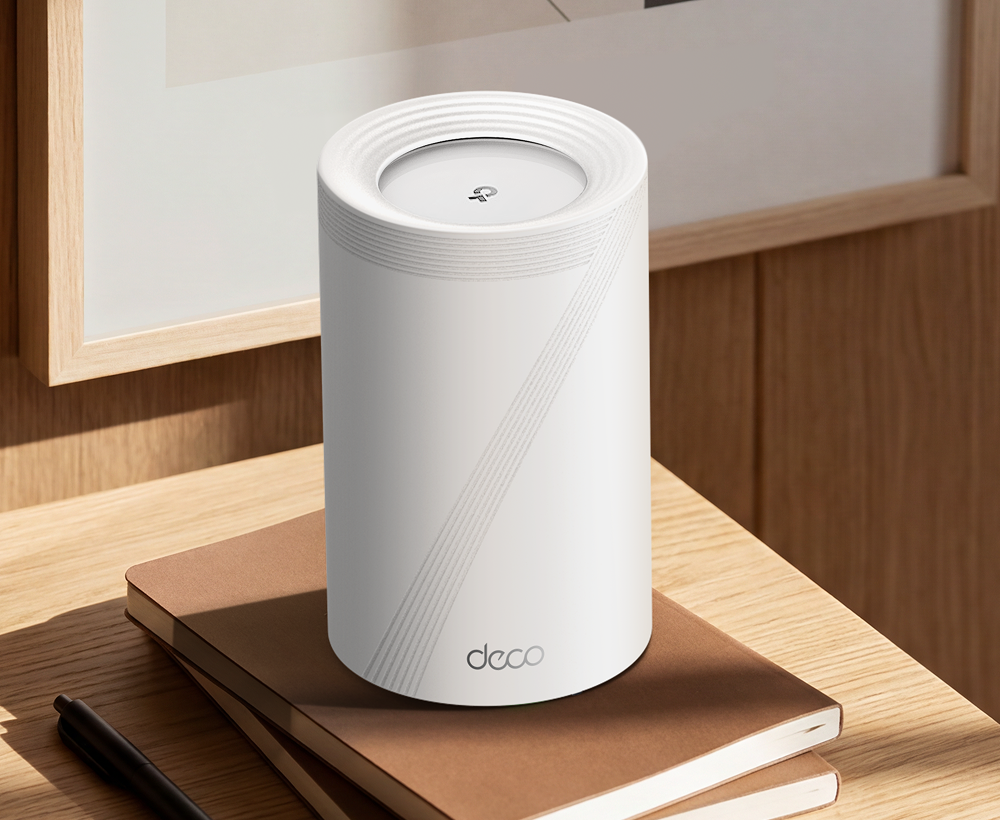
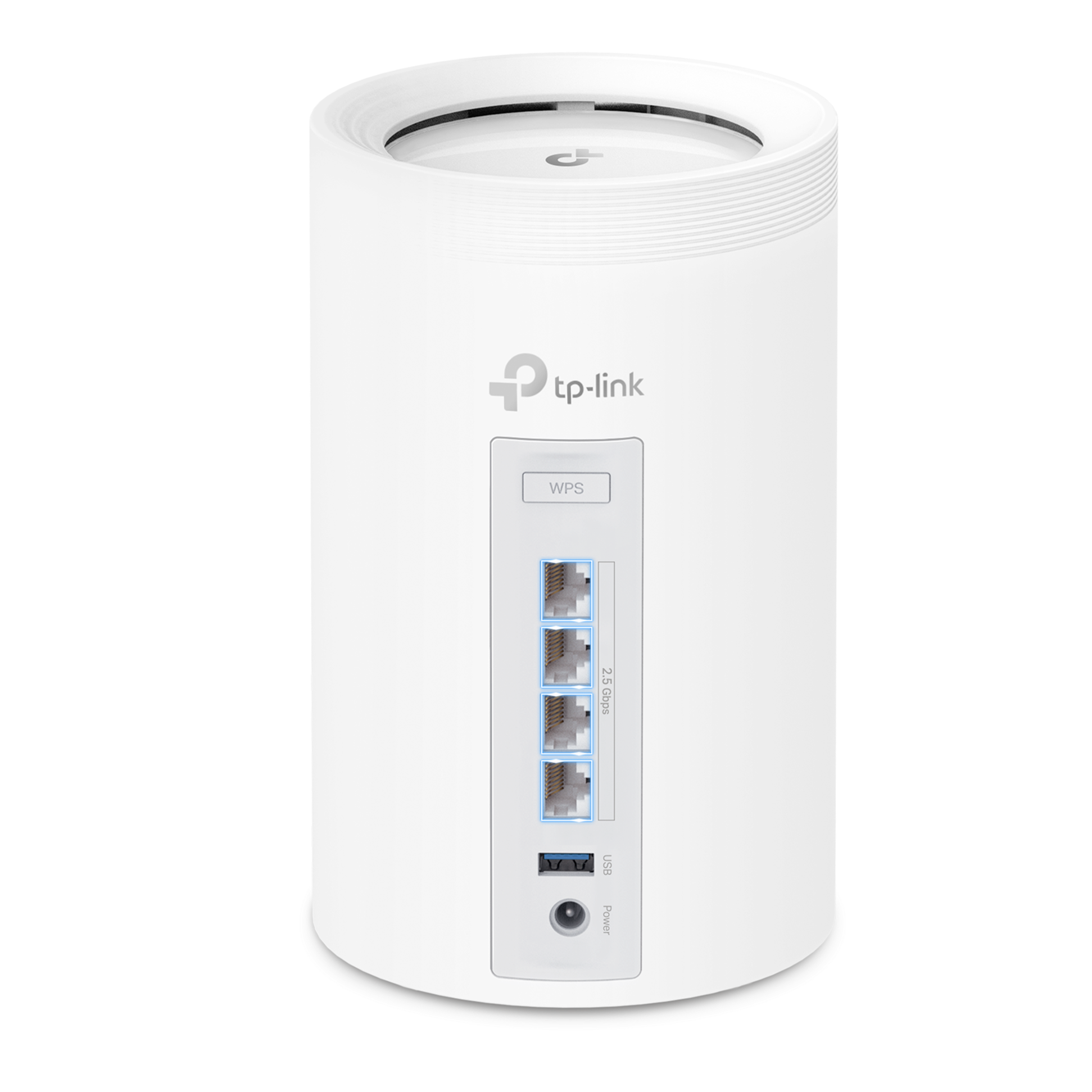
4× 2.5 Gbps
WAN / LAN Ports

Work from home

Streaming in every room

Gaming without lag
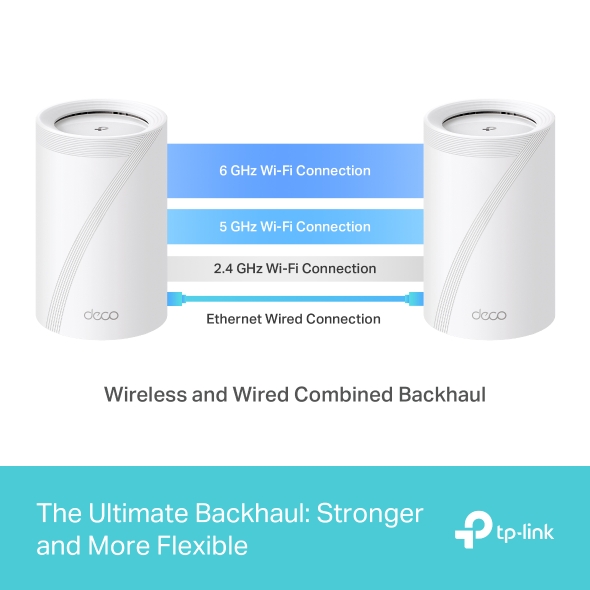
Stronger Connections Between Every Deco
Deco 7 Pro is designed to be effortless from the start. Set up in minutes with the Deco app, then enjoy strong, reliable Wi-Fi throughout your home.
Simple. Easy. Powerful.
Deco 7 Pro is designed to be effortless from the start. Set up in minutes with the Deco app, then enjoy strong, reliable Wi-Fi throughout your home.
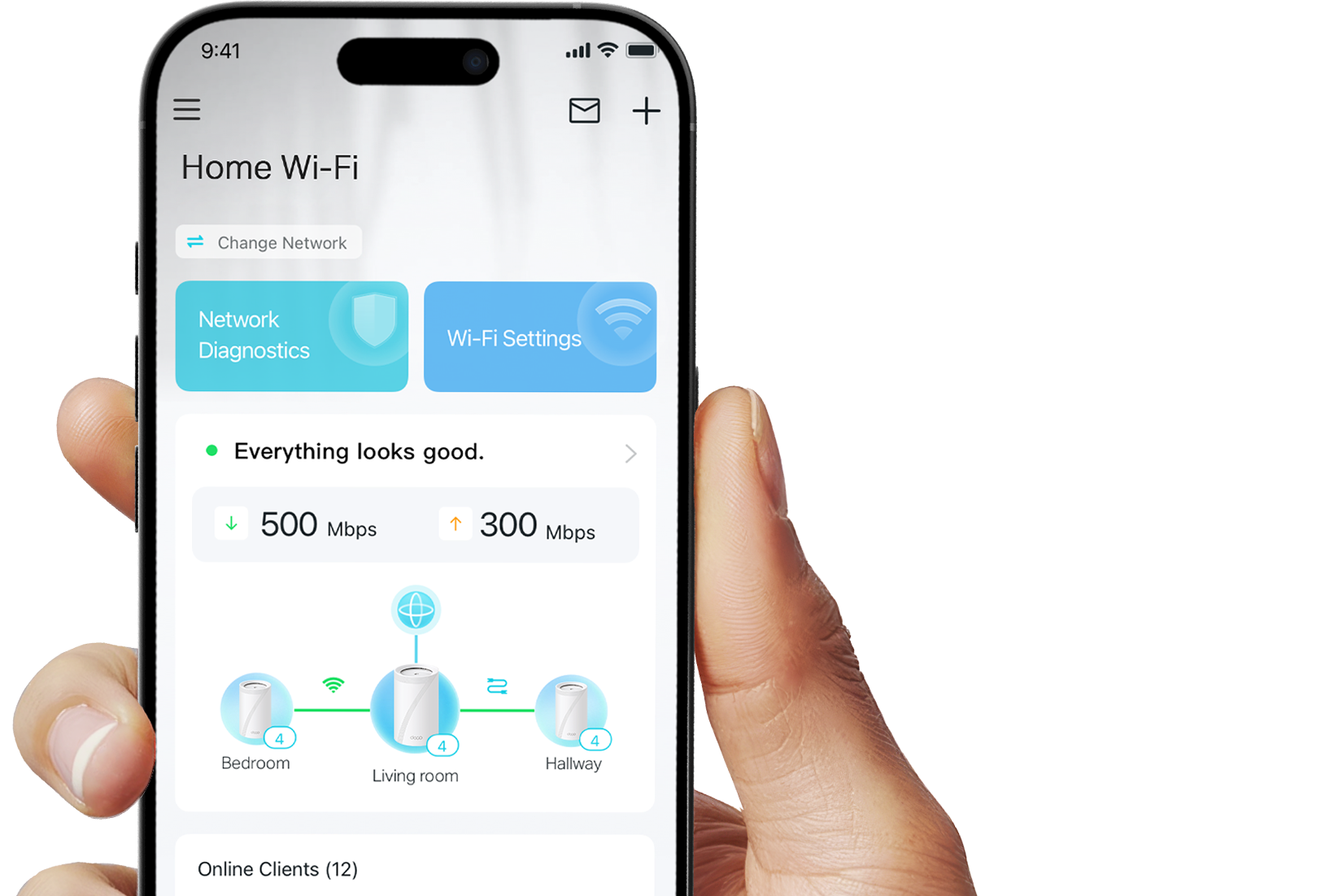
Simple. Easy. Powerful.
Deco 7 Pro is designed to be effortless from the start. Set up in minutes with the Deco app, then enjoy strong, reliable Wi-Fi throughout your home.
① Connect
to a modem and power on both.
② Download
and launch the Deco app.
③ Configure
by following the in-app instructions.

Built-In Security for Everyday Life
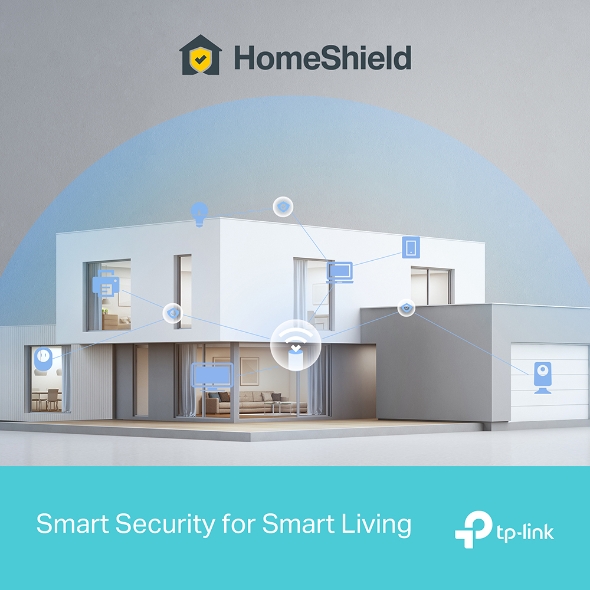
HomeShield helps protect every device on your network — automatically — so your family can connect with confidence at home and beyond.
Learn more about HomeShield >
Advanced Network Protection
Get automatic protection for your entire home network, designed to help block online threats so you can browse, stream, and connect with confidence.

Parental Controls
Use simple tools to manage screen time and filter content, designed to support healthier online habits for kids while giving parents more control.

Protection that goes with you
Keep your devices protected at home and on the go, with security that stays with you wherever life happens.
Advanced Network Protection
Get automatic protection for your entire home network, designed to help block online threats so you can browse, stream, and connect with confidence.
Parental Controls
Use simple tools to manage screen time and filter content, designed to support healthier online habits for kids while giving parents more control.
Protection that goes with you
Keep your devices protected at home and on the go, with security that stays with you wherever life happens.
Private IoT Network for More Security
Set up a separate Wi-Fi network for IoT devices, with built-in HomeShield protection and advanced WPA3 encryption to help better protect your home network and connected devices.
Smart Features Included with Every Deco 7 Pro System

"Alexa, pause Wi-Fi for Juliet's tablet"
Hands-Free Voice Control
Use Amazon Alexa or Google Assistant-enabled devices to control your Deco system with simple voice commands, making it easy to manage your Wi-Fi hands-free.
All Decos Work Together
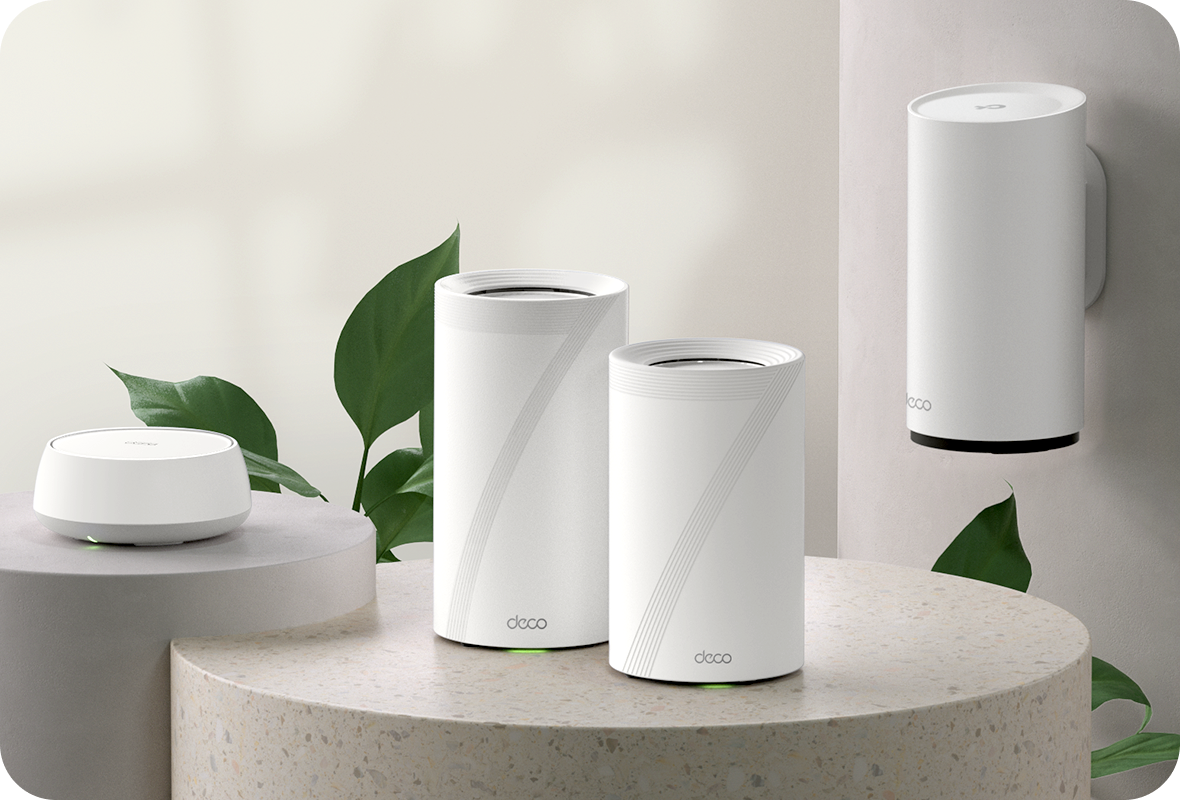
All Deco devices work together to form one seamless mesh network. Expand your Wi-Fi coverage anytime by adding more Decos to keep every corner of your home connected.
-
Basement

-
Yard

-
Garage

True Seamless Roaming
Deco units work together to form one unified network with a single network name. Your phone or tablet automatically connects to the fastest Deco as you move through your home. The switching takes less than 0.3 second and is smooth and unnoticeable, creating a truly seamless online experience.
-
Adaptive Path Selection
TP-Link Mesh Technology dynamically chooses the best route and band for your connections and applications, guaranteeing a fast Wi-Fi no matter where you are in the home.
-
Self-Healing
If one Deco has an issue, the system will automatically reroute data via the other Decos to make sure you stay online.
Wi-Fi + Powerline
Powerline connections utilize your home's electrical circuit to link Decos, bypassing even the thickest of walls and ceilings.
The dual-band Wi-Fi and powerline work together to transmit data between Deco units. The total network speed is greatly improved compared with using Wi-Fi only.
- Wi-Fi + Powerline:
- Hybrid Wi-Fi System Boosted Speeds
- Traditional Mesh Wi-Fi:
- Standard Wi-Fi System
- Powerline
- Note:Wi-Fi + Powerline is only for Deco P9
IoT Mesh
Unlike traditional smart hubs, TP-Link Mesh Technology provides whole-home IoT coverage with Wi-Fi, Bluetooth and Zigbee integrated into a single system.Enjoy the magic of your smart home in every room with TP-Link Mesh Technology. Say goodbye to countless hubs.
- - - - Wi-Fi
- - - - Zigbee
- - - - Bluetooth
Wi-Fi 6 Mesh
Armed with Wi-Fi 6 technology,
Deco whole home mesh Wi-Fi is designed to deliver a huge boost in coverage, speed, and total capacity. Get on the latest mesh Wi-Fi to enjoy the future network that loads faster and connects more.
-
Broader coverage
-
More Connections
-
Faster Wi-Fi 6 Speed
AI-Driven Mesh
Armed with AI Mesh technology, Deco automatically learns and improves itself from experience.
This provides the ideal mesh Wi-Fi unique to your home and network environment.
Walk through your home and enjoy seamless streaming at the fastest possible speeds.
Why TP-Link Mesh Technology
an industry leading solution?
| Compete Comparison | |||
| Model Number | TP-Link Deco | Netgear Orbi | Google WiFi |
| Wireless Backhaul | Tri-Band(2.4G+5G_1+5G_2)¹ | Single-Band(5G_1 Only) | Dual-Band(2.4G+5G) |
| Mesh Protocol Supported | IEEE 802.11k/v/r | IEEE 802.11k/v | IEEE 802.11s |
| True Seamless Roaming | ✔ | × | × |
| APS(Adaptive Path Selection) | ✔ | × | ✔ |
| IoT Mesh | ✔² | × | × |
| Wi-Fi 6 Mesh | ✔5 | ✔ | × |
| AI-Driven Mesh | ✔6 | × | × |
| Powerline Backhaul | ✔³ | × | × |
| Wireless + Powerline Bandwidth | ✔⁴ | × | × |
| Band Steering | ✔ | ✔ | ✔ |
| AP Steering | ✔ | ✔ | ✔ |
| Self-Healing | ✔ | ✔ | ✔ |
| Notes: 1&2 For Deco M9 Plus Only;5 for Deco X20;Deco X90;6 for Deco X90 only. Spec sourced by Dec. 2019 |
|||
Deco Series
Deco
-

Deco X20
AX1800 Whole Home Mesh Wi-Fi 6 System
-
_normal_20230201014412u.png) Hot Buys
Hot BuysDeco M4
AC1200 Whole Home Mesh Wi-Fi System
-
 New
NewDeco BE65
BE11000 Whole Home Mesh WiFi 7 System
-
 New
NewDeco BE85
BE22000 Tri-Band Whole Home Mesh WiFi 7 System
-

Deco X60
AX5400 Whole Home Mesh Wi-Fi 6 System
-

Deco XE75
AXE5400 Tri-Band Mesh Wi-Fi 6E System
-
_Overview_normal_20211225093625r.png) Hot Buys
Hot BuysDeco X50
AX3000 Whole Home Mesh WiFi 6 System
-

Deco X50-PoE
AX3000 Whole Home Mesh WiFi 6 System with PoE
-
 Hot Buys
Deco X50-5G
5G AX3000 Whole Home Mesh WiFi 6 Gateway
Deco Network Management at Your Fingertips!
The Deco app provides the easiest way to set up, manage and monitor your Deco Whole Home Mesh Wi-Fi System through your iOS or Android devices.
Setup Just Got a Lot Easier
Unbox Deco, install the app and then simply follow the on-screen directions. Deco app will take care of the rest and get your network up and running in minutes.
-
Connect Deco to your cable modem and turn on both devices
-
Download and launch the Deco app
-
Follow the in-app instructions to configure your Deco system.
Simple Management
Deco makes it easy to manage your Wi-Fi from anywhere, whether you’re on the couch, at work, or anywhere in between.
-
Simple Management Dashboard
View the working status of your network, check the connected devices and get all the features your router offers.
-
Multiple Decos, One App
The Deco app manages all your Deco networks and devices connected to your Deco Wi-Fi.
-
Check the Connected Devices
View a list of your connected devices with the ability to pause and resume internet access, test the internet speed and prioritize or block the devices.
-
Remote Management
Remotely take control of the network with a tap of your phone—no matter where you find yourself.
Powerful Parental Controls
Simple, intuitive parental controls make it easy to keep your children safe while they’re online.
-
Easily create a profile for each family member and set custom time limits and online time allowances. Assign devices to profiles so rules extend to individual devices as well as family members.
-
Keep your family safe online with one-touch security settings that block content based on age-appropriateness.
-
Set limits on how much time each person in your family can spend online.
-
With Insights, you can check out which sites your children visit and how much time they spend on each. It’s a great way to know your children are safe while they’re having fun online.
-
Take a break from Wi-Fi for dinner and family game nights. Just tap a button to suspend internet access for everyone in your home.
An Intuitive App Full of Features
Monthly Usage Summary
See a comprehensive list of your network details every month, including usage,
blocked content, security threats and more.
Home Automation
Make your life easy with powerful automation and voice control tools.
*Currently only for Deco M9 Plus
Flexible Shortcut
Flexibly control all devices from your phone or tablet with just one click.
*Currently only for Deco M9 Plus
Protect Your Network
Built-in Antivirus helps you defend against malicious website and guard your online payment.
*Currently only for Deco M9 Plus, Deco P7 and Deco M5
Prioritize Your Devices
Choose which devices always have the fastest connections
or set priority for a specific time duration.
Set Application Priorities
Allocate more bandwidth for the activities most important to you with simple controls.
*Currently only for Deco M9 Plus, Deco P7 and Deco M5
Share Wi-Fi with Friends
Set up separate Wi-Fi profiles for guests and share the password to
make it easier for them to hop online.
Check Your Speed
Run a speed test to ensure you’re getting the internet speeds you’re paying for.
View every device on your network and see how much bandwidth they’re using.
Our Support Always Has Your Back
Have questions about Deco? Help is always just a click away. Find the answers in Deco app and don’t hesitate to contact us with just a simple click.
Support| Standards and Protocols | Wi-Fi 7 IEEE 802.11be/ax 6 GHz IEEE 802.11be/ax/ac/n/a 5 GHz IEEE 802.11ax/n/b/g 2.4 GHz |
|---|---|
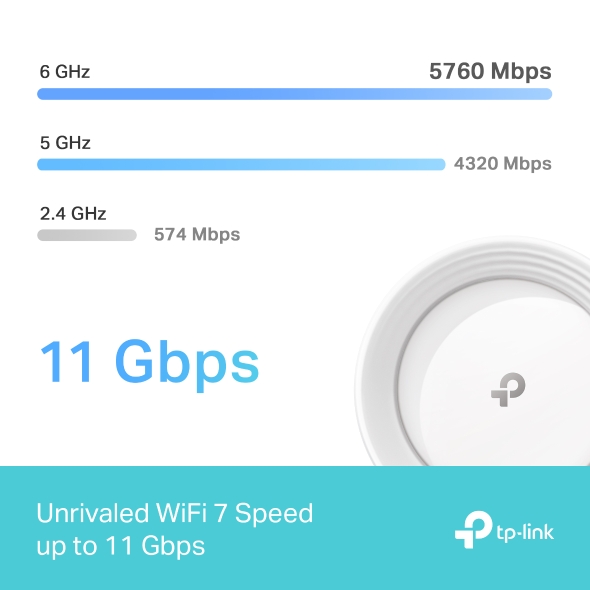
| WiFi Speeds | BE110006 GHz: 5760 Mbps (802.11be)5 GHz: 4320 Mbps (802.11be)2.4 GHz: 574 Mbps (802.11ax) |
| WiFi Range | Broader Whole Home Coverage TP-Link Mesh TechnologyOptional Ethernet backhaul work together to link Deco units to provide seamless coverageAI-Driven MeshIntelligently learns the network environment to provide ideal Wi-Fi unique to your home4× High-Gain Antennas (Internal)Multiple antennas form a signal-boosting array to cover more directions and large areasTri-BandA newly-opened 6 GHz band brings more bandwidth and faster speeds |
| WiFi Capacity | Very High Tri-Band Distribute devices to different bands for optimal performance 2×2 MU-MIMO Simultaneously communicates with multiple MU-MIMO clients OFDMA Simultaneously communicates with multiple WiFi 7 clients 6 Streams More than enough bandwidth for connected devices |
| Working Modes | Router ModeAccess Point Mode |
| Advanced Features | • Multi-Link Operation (MLO)• 320 MHz Channel• 4K-QAM• Multi-RUs• Works with Alexa and Google Assistant• IoT Network |
| Network Security | SPI FirewallAccess ControlHomeShield Security Real-Time IoT ProtectionMalicious Site BlockerIntrusion Prevention SystemDDoS Attack PreventionHome Network Scanner |
|---|---|
| Guest Network | 1× 6 GHz Guest Network1× 5 GHz Guest Network1× 2.4 GHz Guest Network |
| VPN Server | • OpenVPN Server• PPTP VPN Server• L2TP/IPSec VPN Server |
| VPN Client | • OpenVPN Client• PPTP VPN Client• L2TP/IPSec VPN Client |
| WiFi Encryption | WPA-Personal WPA2-Personal WPA3-Personal |
| Ethernet Ports | • 4× 2.5 Gbps*Per Deco Unit Supports WAN/LAN auto-sensing |
|---|---|
| USB Support | 1× USB 3.0 Port |
| Buttons | 1× Reset Button1× WPS |
| Advanced Features | • Reboot Schedule• Tapo/Kasa Onboarding• IoT network & Device Isolation• Static Routing Function• Node/Band Connection Preference |
|---|---|
| Protocols | IPv4 IPv6 |
| Service Kits | HomeShieldLearn More> |
| Parental Controls | HomeShield Parental Controls Custom ProfilesProfessional Content Filter LibraryFamily TimeBedtimeOff TimeTime RewardsFamily Online Time RankingPause the InternetWeekly and Monthly Reports |
| WAN Types | Dynamic IPStatic IPPPPoEPPTPL2TP |
| Quality of Service | HomeShield QoS QoS by Device |
| Cloud Service | OTA Firmware UpgradeTP-Link ID DDNS |
| NAT Forwarding | Port Forwarding UPnP |
| IPTV | IGMP ProxyIGMP SnoopingBridge Tag VLAN |
| DHCP | Address ReservationDHCP Client ListServer |
| DDNS | TP-Link |
| Management Features | Deco App |
| Network Services Enabled by Default | Web Server Manage and configure device through web (HTTP/HTTPS)• Port: 80/443 Protocol: TCP DNS DNS• Port: 53 Protocol: TCP & UDP DHCP Server IP address assignment (DHCP)• Port: 67 Protocol: UDP App management Manage and configure device through app• Port: 22 Protocol: TCP• Port: 20001 Protocol: TCP• Port: 30001 Protocol: TCP• Port: 20002 Protocol: UDP |
|---|---|
| Dimensions (W×D×H) | 4.23 × 4.23 × 6.93 in (107.5 × 107.5 × 176 mm) |
|---|---|
| Package Content | Deco BE65 (3-pack)3 Deco BE65 units1 RJ45 Ethernet cable3 Power adaptersQuick Installation GuideDeco BE65 (2-pack)2 Deco BE65 units1 RJ45 Ethernet cable2 Power adaptersQuick Installation GuideDeco BE65 (1-pack)1 Deco BE65 unit1 RJ45 Ethernet cable1 Power adapterQuick Installation Guide |
| Certifications | CE, FCC |
|---|---|
| Environment | Operating Temperature: 0°C~40°C (32 °F~104 °F)Storage Temperature: -40°C~60°C (-40 °F~140 °F)Operating Humidity: 10%~90% RHStorage Humidity: 5%~90% RH |
- Reviews
-
-

TP-Link Deco BE65 provide Wi-Fi coverage with excellent speed thanks to the latest Wi-Fi 7 radio supporting up to 11000Mbps.
-
†Maximum wireless signal rates are the physical rates derived from IEEE Standard 802.11 specifications. Actual wireless data throughput, wireless coverage, and quantity of connected devices are not guaranteed and will vary as a result of network conditions, client limitations, and environmental factors, including building materials, obstacles, volume and density of traffic, and client location.
‡Clients need to support 802.11k/v/r and may require additional setup. Performance may vary depending on the client device.
△Use of Wi-Fi 7 (802.11be), Wi-Fi 6 (802.11ax), Wi-Fi 6E (802.11ax), and other features including MLO, 320 MHz Bandwidth, 4K-QAM, Multi-RUs, OFDMA, MU-MIMO, and BSS Color requires clients to also support the corresponding features. Not all 320 MHz channels may be available in the 6 GHz band in some regions/countries due to regulatory restrictions. The 320 MHz bandwidth is only available on the 6 GHz band and may be unavailable in some regions/countries due to regulatory restrictions. The double channel width and speed refer to 320 MHz compared to 160 MHz for Wi-Fi 6 mesh.
§2.5 Gbps internet speeds require compatible service plans and equipment. Only one 2.5 Gbps port can be concurrently configured as WAN port.
◊Use of WPA3 requires clients to also support the corresponding feature.
*HomeShield includes the Free Basic Plan. Fees apply for the Pro Plan. Visit tp-link.com/homeshield for more information.
**Wi-Fi generations represent the wireless standard IEEE 802.11 a/b/g/n/ac/ax.
Google, Google Home, and Google Play are trademarks of Google.
This Deco may not support all the mandatory features as ratified in IEEE 802.11be specification.
Further software upgrades for feature availability may be required.
Actual network speed may be limited by the rate of the product's Ethernet WAN or LAN port, the rate supported by the network cable, Internet service provider factors and other environmental conditions.